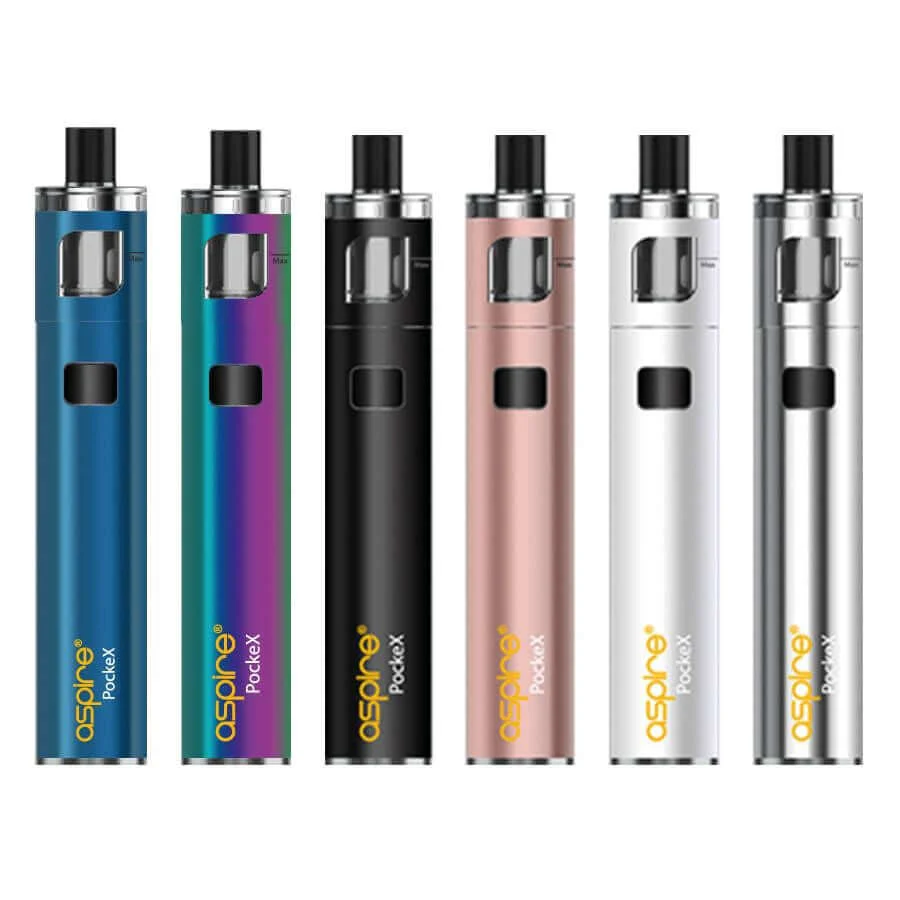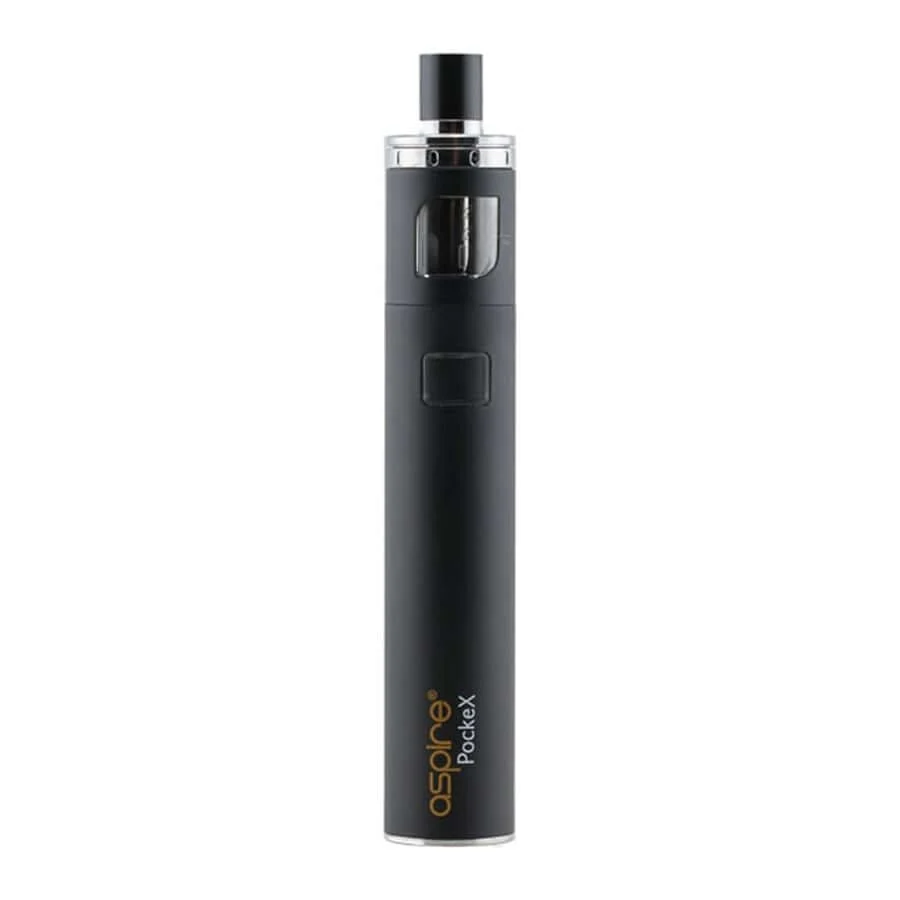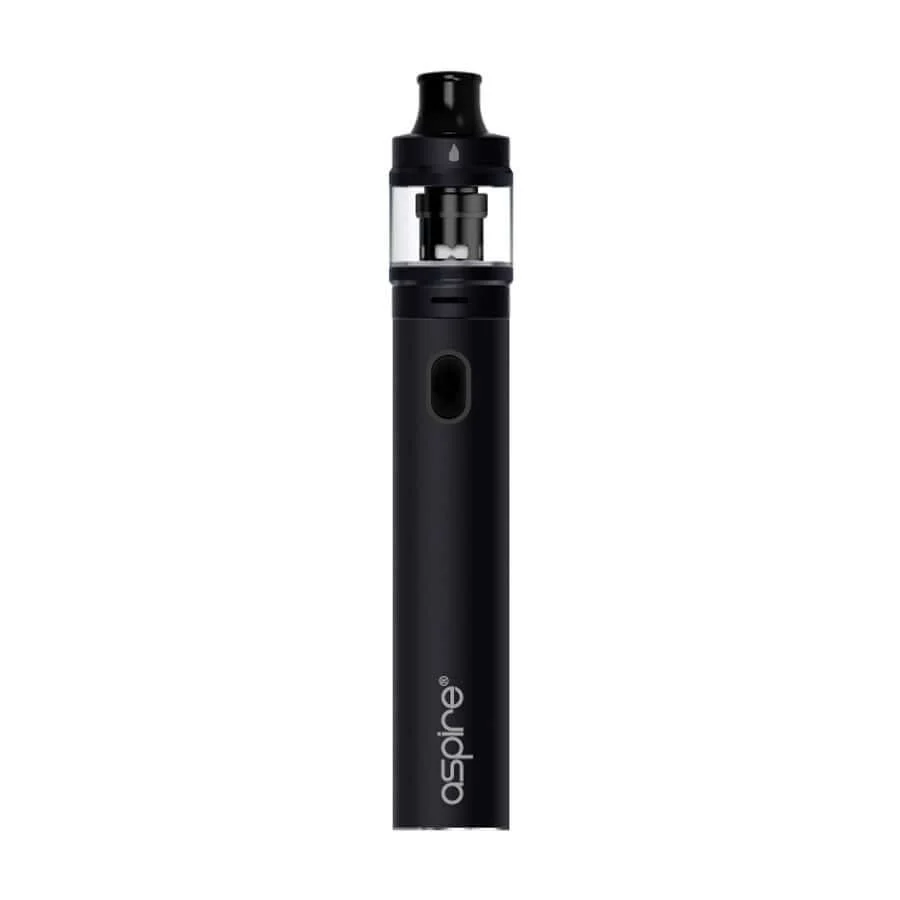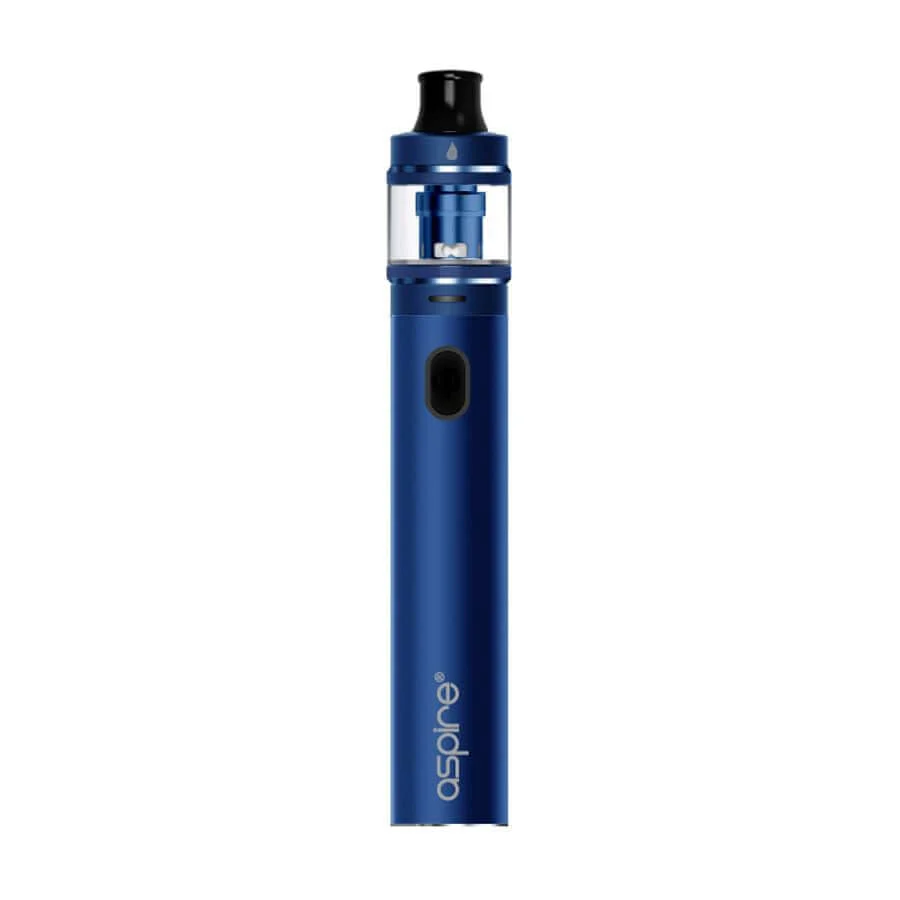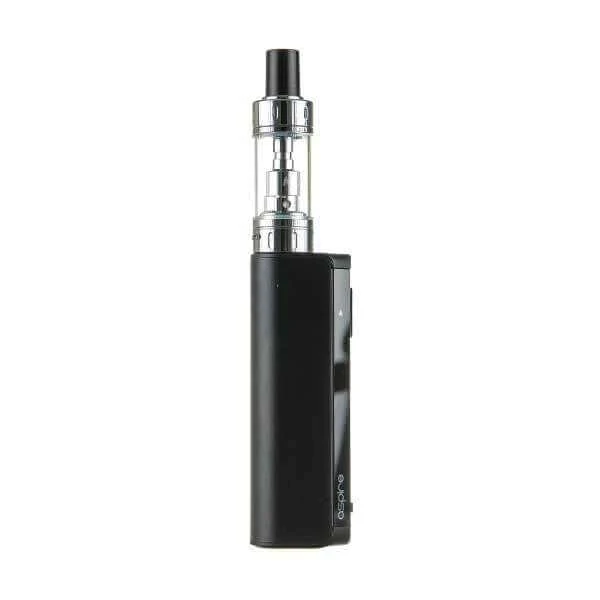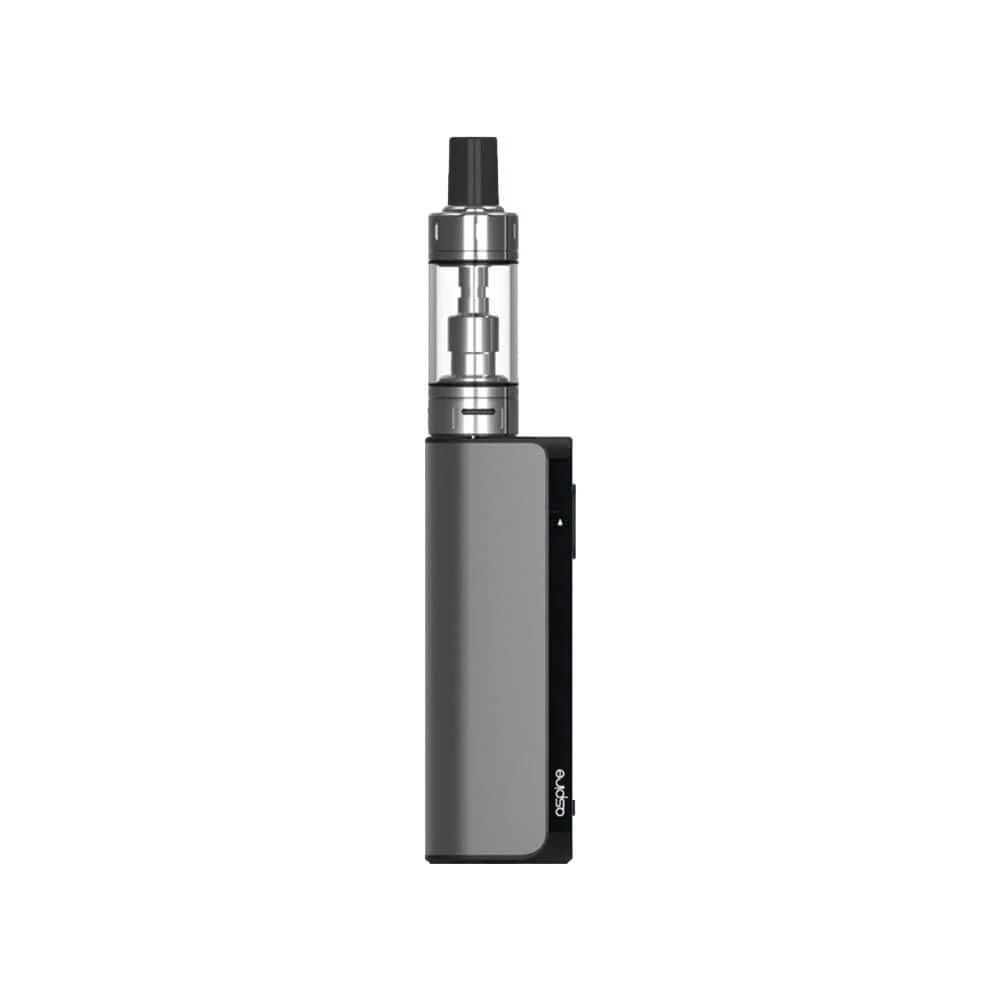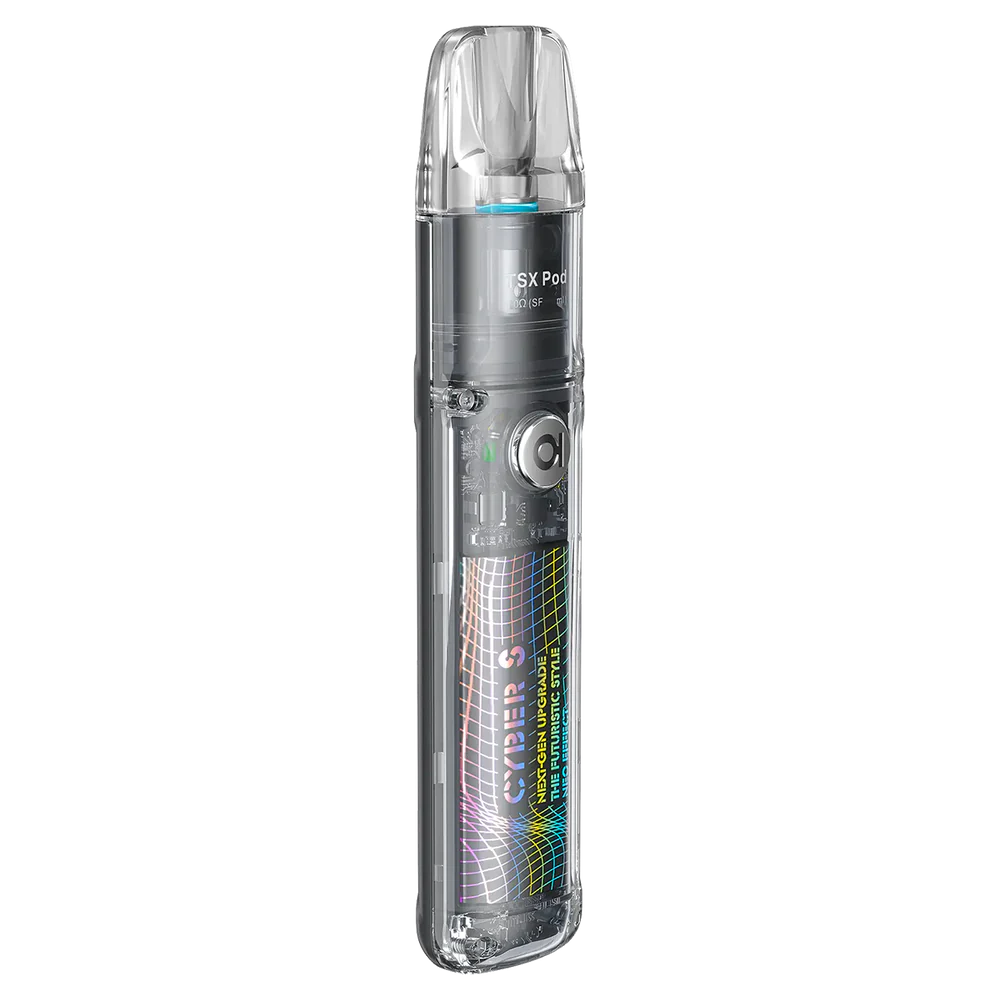
Aspire Cyber S Pod Kit
Introducing the ground-breaking Aspire Cyber S Pod Kit, a true game-changer in the world of vaping! Designed to exceed your expectations, this cutting-edge device seamlessly blends convenience, style, and customisation into one phenomenal package.
Equipped with adjustable airflow and a personalised draw function, the Aspire Cyber S Pod Kit empowers you to fine-tune your vaping sensation to perfection. Whether you prefer a smooth and gentle draw or a bolder, more intense hit, this device caters to your individual preferences with effortless precision.
In a world where time is of the essence, the Aspire Cyber S Pod Kit takes fast charging to a whole new level. Powered by a Type C Fast charging system, it refuels in record time, ensuring minimal downtime and maximum satisfaction. And if that wasn’t enough, this portable powerhouse boasts a 700mah battery that is more than enough to carry you throughout the day!
How do I adjust the airflow on the Aspire Cyber S Pod Kit?
To adjust the airflow on your Aspire Cyber S Pod Kit, follow these simple steps. Located at the bottom of your pod, you'll find a rotating insert. Give it a gentle clockwise twist to personalise the airflow according to your preference. Once you're satisfied with the adjustment, insert the pod back into the device, and you're good to go!
How do I fill the Aspire Cyber S Pod Kit with liquid?
- Translucent Pods: If your pods are translucent in colour, start by popping them out of your Aspire Cyber S Pod Kit. Once removed, you'll notice a rubber band on the side of the pod. Simply pull on the handle of the rubber band to expose the filling port. Insert the nozzle of your liquid into the port and fill the pod to your desired level.
- Black Pods: For black pods, you'll need to remove the cap. To do this, gently pull the mouthpiece of the pod. Once the mouthpiece is removed, you'll see the filling holes on top of the pod. Insert the nozzle of your liquid into the largest hole on top of the pod and fill it until you are satisfied with the amount.
How do I change the draw function/activation function on the Aspire Cyber S Pod Kit?
- Ensure that your device is turned on.
- Once the device is powered on, quickly press the fire button three times in succession.
- After pressing the fire button three times, observe the indicator lights on the device.
-
If the left light indicator lights up, it means the auto draw function has been activated.
-
If the right indicator blinks, it indicates that the button draw function has been activated.
-
If both lights blink simultaneously, it means both button and draw activation modes have been successfully activated.
Specification
- 700mah battery
- Type C Fast Charging
- 2ml Liquid Capacity
- TPD Compliant
- Perfect for Nic Salts and Bar Salts
- Personalised Airflow
- Personalised Draw Function
- Compatible with the Aspire TSX Pods
Original: $20.38
-65%$20.38
$7.13Product Information
Product Information
Shipping & Returns
Shipping & Returns
Description
Introducing the ground-breaking Aspire Cyber S Pod Kit, a true game-changer in the world of vaping! Designed to exceed your expectations, this cutting-edge device seamlessly blends convenience, style, and customisation into one phenomenal package.
Equipped with adjustable airflow and a personalised draw function, the Aspire Cyber S Pod Kit empowers you to fine-tune your vaping sensation to perfection. Whether you prefer a smooth and gentle draw or a bolder, more intense hit, this device caters to your individual preferences with effortless precision.
In a world where time is of the essence, the Aspire Cyber S Pod Kit takes fast charging to a whole new level. Powered by a Type C Fast charging system, it refuels in record time, ensuring minimal downtime and maximum satisfaction. And if that wasn’t enough, this portable powerhouse boasts a 700mah battery that is more than enough to carry you throughout the day!
How do I adjust the airflow on the Aspire Cyber S Pod Kit?
To adjust the airflow on your Aspire Cyber S Pod Kit, follow these simple steps. Located at the bottom of your pod, you'll find a rotating insert. Give it a gentle clockwise twist to personalise the airflow according to your preference. Once you're satisfied with the adjustment, insert the pod back into the device, and you're good to go!
How do I fill the Aspire Cyber S Pod Kit with liquid?
- Translucent Pods: If your pods are translucent in colour, start by popping them out of your Aspire Cyber S Pod Kit. Once removed, you'll notice a rubber band on the side of the pod. Simply pull on the handle of the rubber band to expose the filling port. Insert the nozzle of your liquid into the port and fill the pod to your desired level.
- Black Pods: For black pods, you'll need to remove the cap. To do this, gently pull the mouthpiece of the pod. Once the mouthpiece is removed, you'll see the filling holes on top of the pod. Insert the nozzle of your liquid into the largest hole on top of the pod and fill it until you are satisfied with the amount.
How do I change the draw function/activation function on the Aspire Cyber S Pod Kit?
- Ensure that your device is turned on.
- Once the device is powered on, quickly press the fire button three times in succession.
- After pressing the fire button three times, observe the indicator lights on the device.
-
If the left light indicator lights up, it means the auto draw function has been activated.
-
If the right indicator blinks, it indicates that the button draw function has been activated.
-
If both lights blink simultaneously, it means both button and draw activation modes have been successfully activated.
Specification
- 700mah battery
- Type C Fast Charging
- 2ml Liquid Capacity
- TPD Compliant
- Perfect for Nic Salts and Bar Salts
- Personalised Airflow
- Personalised Draw Function
- Compatible with the Aspire TSX Pods